
Fix AI Text or Remove a Word: Two Different Editing Tasks
Actual correction and removal examples show how to supply a known spelling, reconstruct a background and recognize a technically successful but imperfect result.
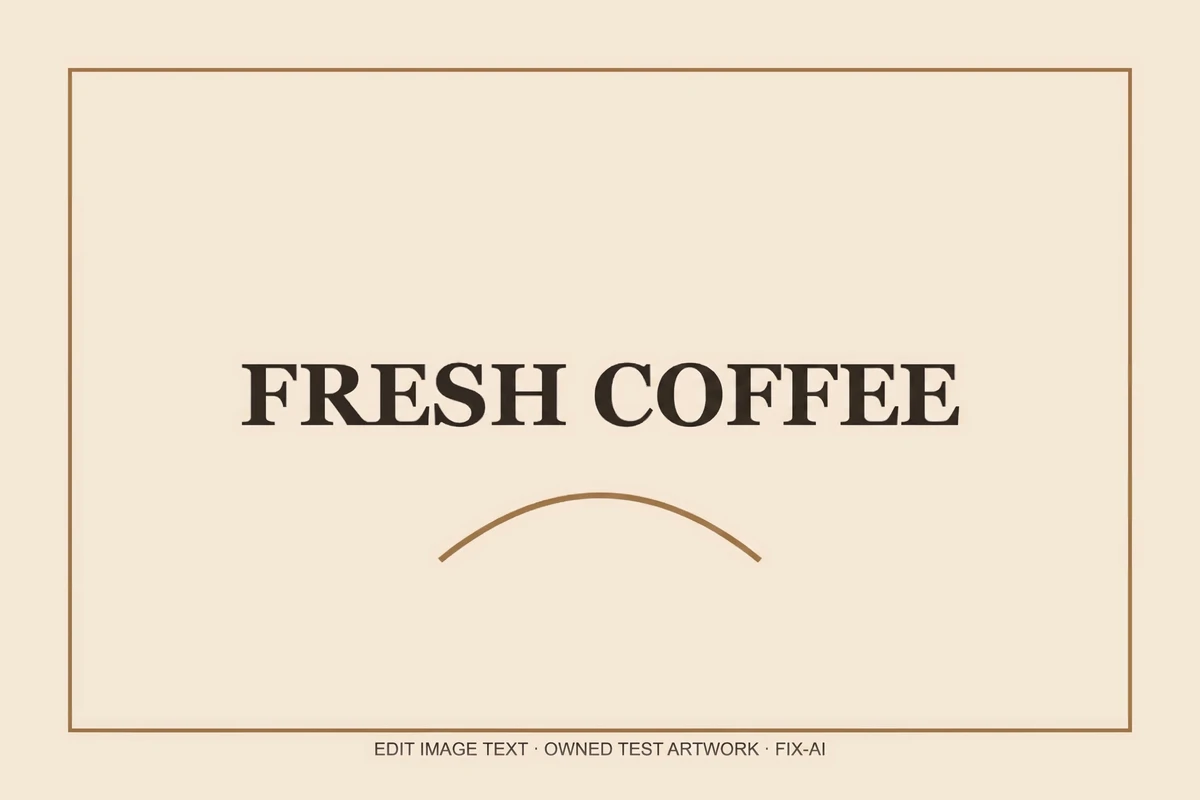
A malformed headline and an unwanted promotional word require different instructions. Fix AI mode supplies a known replacement. Remove mode asks the model to reconstruct the surface behind the selected phrase without rendering another phrase in its place.
Both modes use the same task, storage and credit flow as a normal replacement. They differ in what the server asks the image model to do. Neither mode automatically recognizes all text or validates the complete image.
Fix AI: correct a known error
Our owned test artwork used FRESH C0FFEE, with a zero where the letter O was intended. We entered that phrase as the old text and FRESH COFFEE as the explicit correction. The output contains the intended corrected phrase.
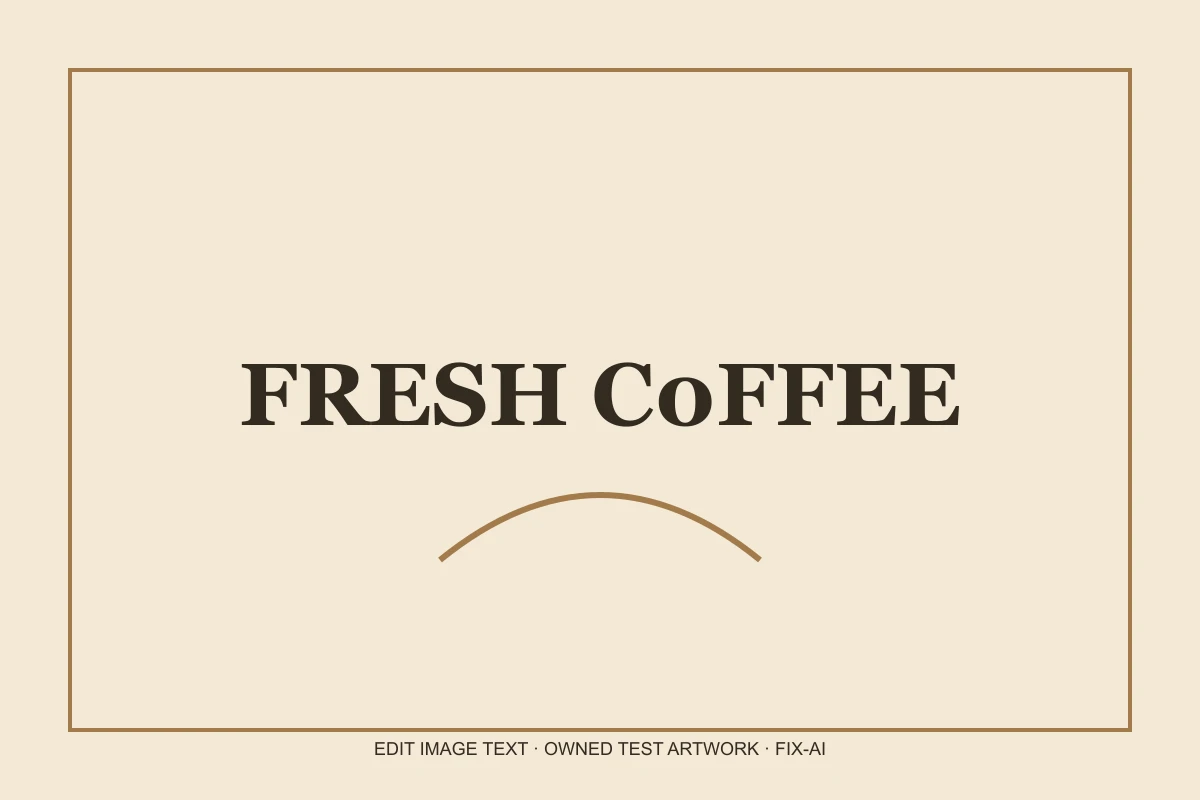
Owned test artwork, before and after. Actual Nano Banana Pro 2K request: 54.6 seconds observed, 4.7% pixel-difference estimate. The zero was replaced with O in the requested word. Other text is not automatically proofread.
The mode does not decide that a zero is wrong in every context. You supply the intended wording. If the original lettering is unreadable, the model may not locate it reliably. Include enough of a phrase to make the target clear and avoid changing several unrelated lines in one request.
After generation, check every letter in the replacement and every other line in the design. A new model pass can introduce another error. A returned file is evidence that processing completed, not evidence that the correction is right.
Remove: the word is gone, but the fill is imperfect
For the removal test, we entered SALE and provided no replacement. The model removed the letters. Manual review nevertheless found a faint rectangular tone difference in the cleared label area.
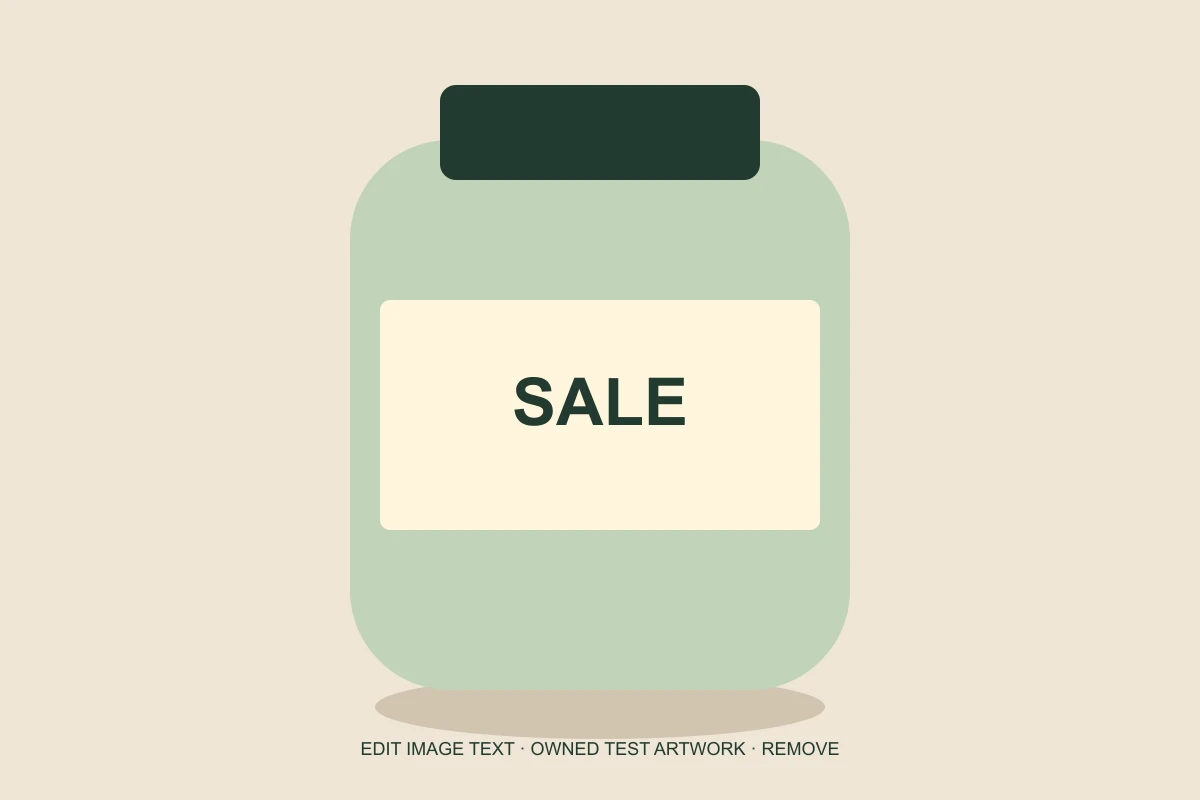
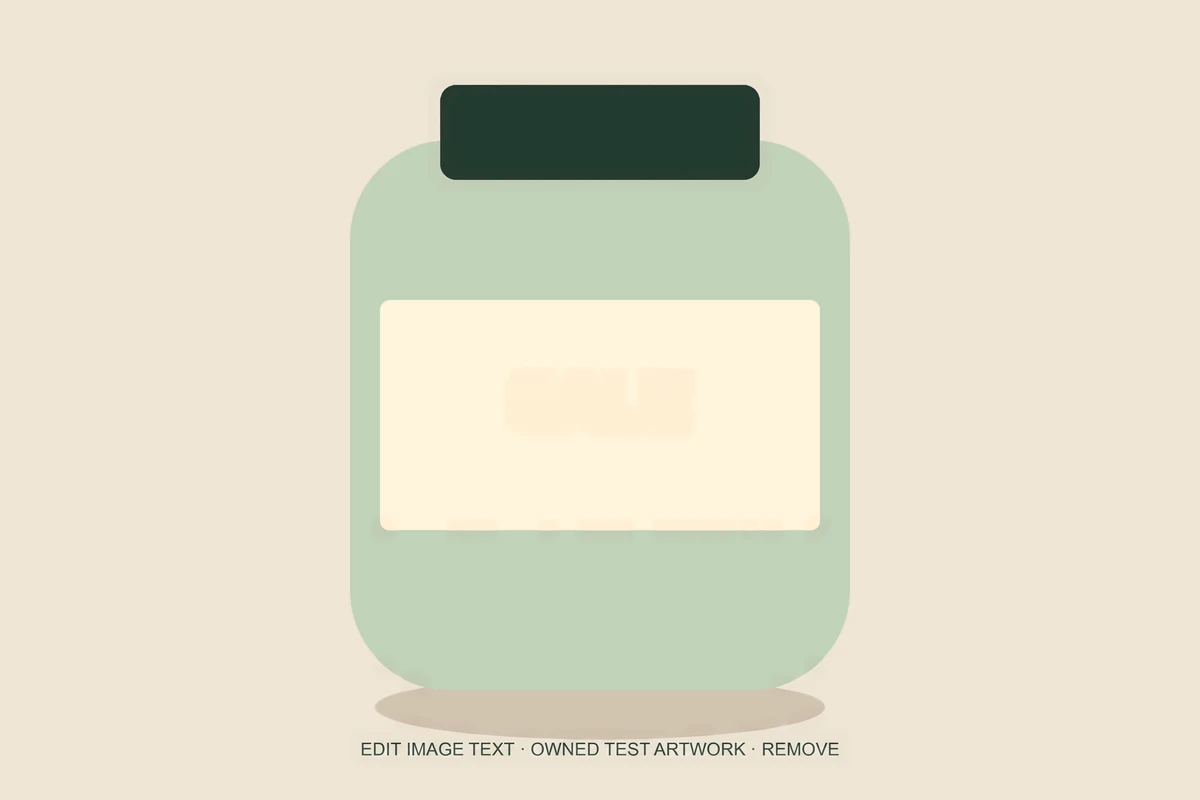
Owned test artwork, before and after. Actual Nano Banana Pro 2K request: 48.6 seconds observed, 1.6% pixel-difference estimate. The word is gone, but a faint tone patch remains where it was removed. This result needs further design review.
This is an important distinction: the provider successfully returned and stored a file, and the requested text is no longer visible, but the visual result still needs further design work. We publish this limitation rather than treating the test as a flawless cleanup.
Text covers pixels. Those hidden pixels cannot be recovered from a flattened image, so a generative removal tool estimates the background. A plain surface can retain a faint patch; a textured surface can acquire a seam or invented detail.
Removal is not privacy redaction
If the goal is to hide private information, use the local black-box tool rather than a generative cleanup. A creative background fill is not a promise that sensitive content has been irreversibly removed from every copy or metadata field.
You must own the image or have permission to edit it. Removing ownership marks, licensing information or attribution without permission is outside the intended use of this workflow.
How to judge the result
First check the requested word: does the corrected phrase read exactly as intended, or is the removed phrase actually absent? Then inspect the surrounding surface at full size. Look for a different shade, a halo, repeated texture or a nearby edge that no longer aligns.
The browser’s changed-area estimate helps locate differences, but it does not know what a correct word or an acceptable fill should look like. In our removal case, the estimate was 1.6%, yet the faint patch still warranted manual review.
Finally, inspect the image at its intended display size and keep the original. A design asset that is acceptable for a small internal draft may be unsuitable for a printed label or a brand-critical campaign.
Use Fix AI text for an explicit correction and Remove text for background reconstruction. Our performance and methodology page separates file completion from quality review, while the full examples link unmodified model outputs as well as the composited versions shown here.