Edit Image Text While Keeping the Background. Compare what changed outside the letters.

Request a localized text change, inspect its pixel difference, and restore the surrounding original when the change is contained.

See an example:

Each submitted edit uses 1 credit. Review every result; lettering and background matches are approximate.

By continuing, you confirm you own this image or may edit it, and that the edit won't deceive anyone. IDs, certificates, bank records, receipts, payment proofs and chat screenshots aren't allowed. See our Acceptable Use Policy.

  • 1 free edit
  • No subscription
  • Credits never expire
  • Failed edits refunded
  • Unused credits refundable for 30 days
  • Commercial use on your images

What this tool does

No. Contained edits restore the surrounding source at the working output size, with a softened boundary. Scaling and the edited region can differ; broad changes receive a warning.

Real results on controlled test artwork

Actual model requests on artwork we created, with raw outputs linked and limitations disclosed. These are not customer submissions.

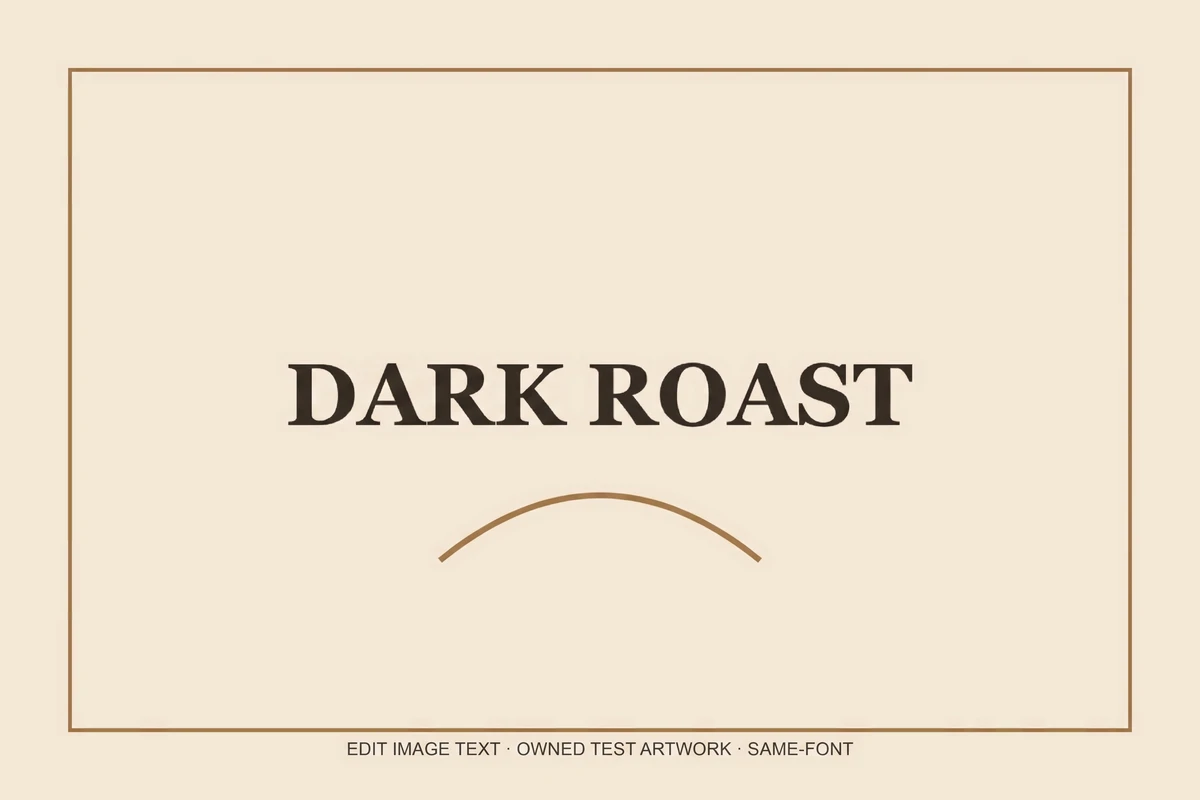
Actual composited result: DARK ROAST
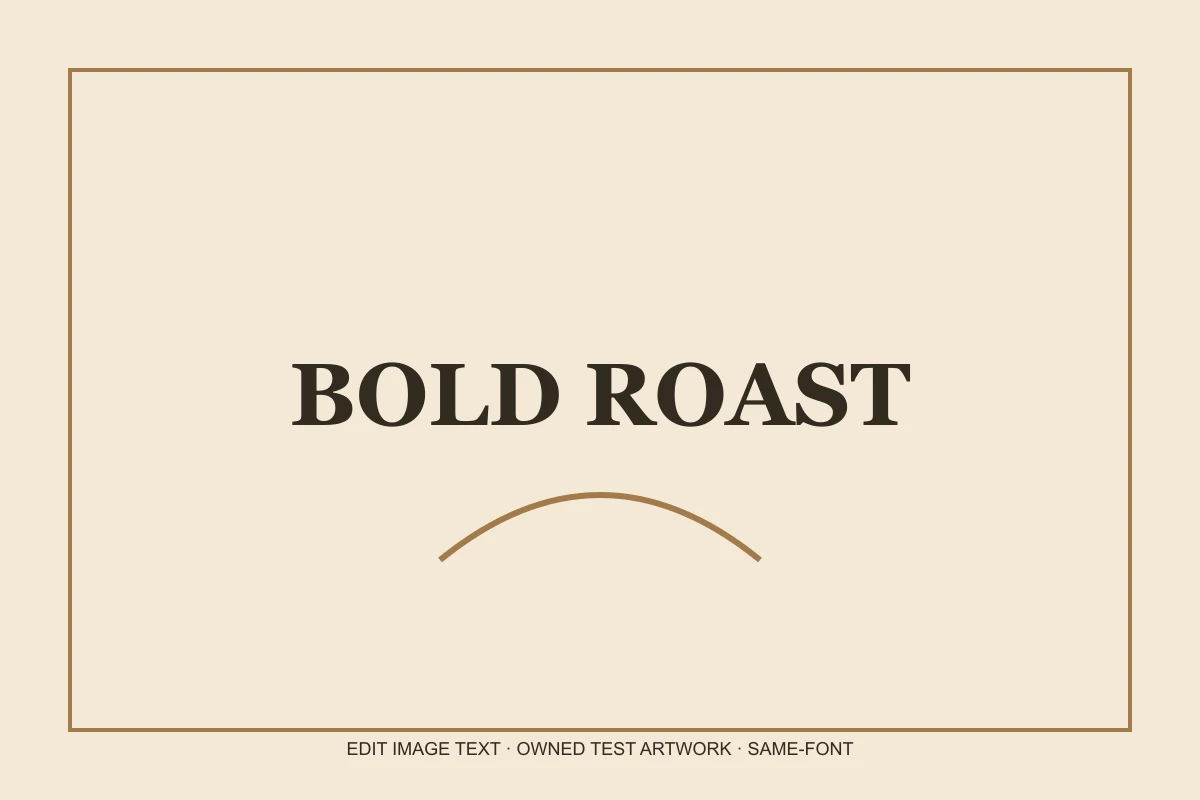
Owned test artwork before editing: BOLD ROAST
BeforeAfter

Font appearance

A display serif headline

Actual Nano Banana Pro 2K request on artwork created for this controlled test. The after image uses the editor’s browser compositor; the unmodified model file is linked below.

Changed:
“BOLD ROAST” to “DARK ROAST”
Result:
Composited model result; 3.9% pixel-difference estimate, the rest restored from the original
Dimensions:
1200 × 800 input; 2528 × 1686 model output (2K tier)
Observed time:
35.2s for this controlled request
Review & test limits:
The serif appearance is similar; no font file was identified and exact glyph or kerning identity is not established.
View unmodified model outputView original test input

Comparison images are web-optimized previews. Dimensions above describe the full model output; preview compression is not included in the pixel-difference estimate.
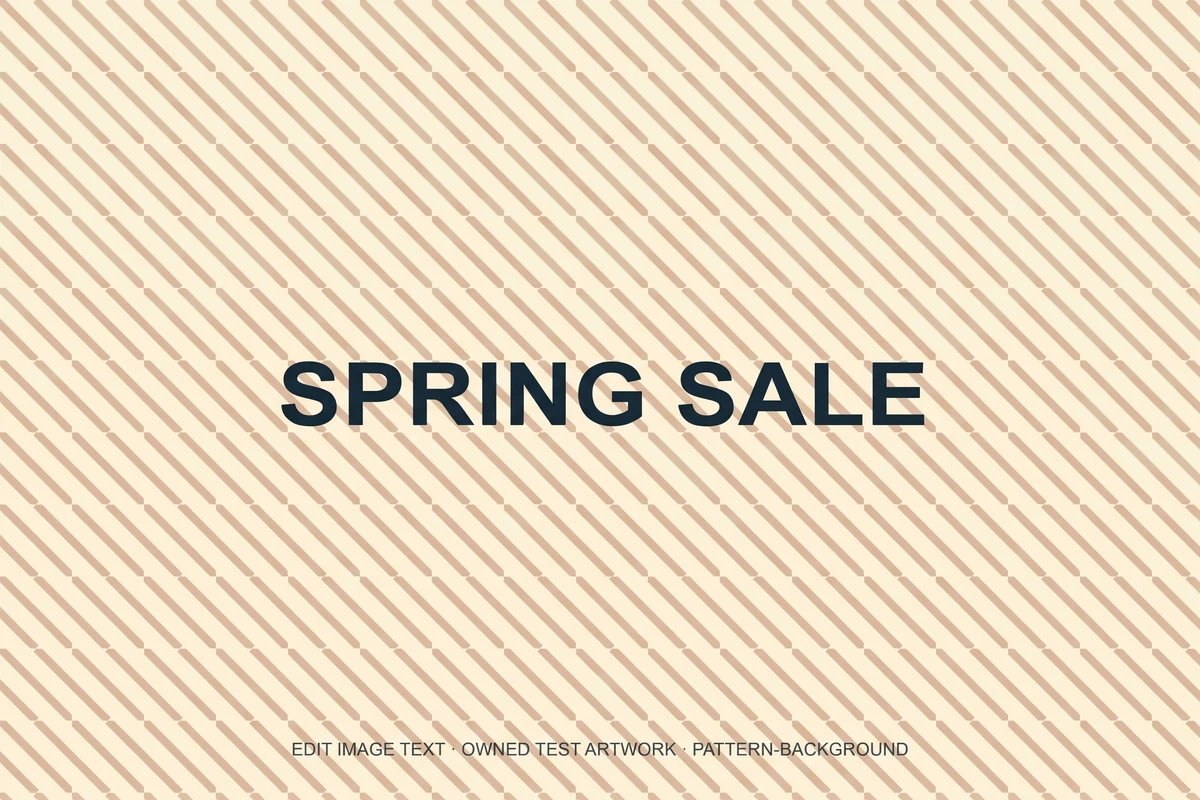

Actual composited result: SPRING SALE
Owned test artwork before editing: WEEKEND SALE
BeforeAfter

Background

Text over a repeating pattern

Actual Nano Banana Pro 2K request on artwork created for this controlled test. The after image uses the editor’s browser compositor; the unmodified model file is linked below.

Changed:
“WEEKEND SALE” to “SPRING SALE”
Result:
Composited model result; 12% pixel-difference estimate, the rest restored from the original
Dimensions:
1200 × 800 input; 2528 × 1686 model output (2K tier)
Observed time:
40.7s for this controlled request
Review & test limits:
The requested phrase is legible, but the diagonal pattern close to the new letters is not an exact reconstruction.
Known flaw:
The diagonal pattern changes locally near the replacement; it is not an exact background match.
View unmodified model outputView original test input

Comparison images are web-optimized previews. Dimensions above describe the full model output; preview compression is not included in the pixel-difference estimate.

See the sample sizes, timing and test methodology. A contained pixel difference is not proof of correct lettering.

How to approach this edit

Letters can cover gradients, grain, brickwork or a repeating pattern. Removing the old strokes requires a guess about what was behind them. A seamless-looking fill is therefore an approximation, even when the rest of the image appears unchanged.

After the model finishes, the browser compares its result with the uploaded original. When the shape matches and the measured changed area is contained, the compositor uses the original outside a softened mask around the change. This is a pixel-difference heuristic, not semantic recognition of the text.

The comparison can be confused by compression, rescaling, global color changes or repeated textures. A broad redraw is shown with a warning instead of being called preserved. When a 2K model image is larger than the source, the restored background is scaled from that source; it does not gain new captured detail.

Practical uses

Plain backgrounds

Inspect short edits over a relatively simple surface.

Brand artwork

Keep an approved composition while reviewing a small wording change.

Quality checks

Use the highlight and close-up views before downloading.

Upload, specify and review

  1. 1

    Start with an image you may edit

    Use a sharp PNG, JPEG or WebP, up to 10 MB. Keep your untouched original. Signing in is required for uploads.

  2. 2

    Enter the exact old and new text

    Copy the existing phrase as it appears, then supply the intended replacement including capitals and punctuation.

  3. 3

    Inspect before downloading

    Review the whole image, the highlighted area and the lettering at full size. Check the actual output dimensions. Download PNG or JPG only when the result is suitable.

Capability boundaries

Texture reconstruction

Tile, fabric and line patterns can show seams.

Heuristic masks

A small changed area does not prove the wording is correct.

Global redraws

If too much changed, the original cannot be safely restored automatically.

Frequently asked questions

Is the background guaranteed to be pixel-identical?

No. Contained edits restore the surrounding source at the working output size, with a softened boundary. Scaling and the edited region can differ; broad changes receive a warning.

What does one request cost?

Each submitted edit uses 1 site credit. A new account gets 1 free edit; further credit packs start at $3.90. A technically failed task is refunded automatically. A returned image still needs your quality review.

Will the rest of the image be unchanged?

The model is asked for a localized change. Our browser check can restore the surrounding original when differences are contained, but this is a heuristic. Broad redraws and changed aspect ratios are flagged for review.

Is 2K output available?

Nano Banana Pro is requested at its 2K tier. Pixel dimensions depend on the model and aspect ratio. A larger export does not recover detail missing from a small upload; always inspect the actual dimensions.

How long does it take?

Processing time varies with the provider, image and workload. The task is saved and can be checked again without a second charge. See our performance page for measured samples rather than a promised completion time.

Are uploaded images private by default?

Uploads and results use public-by-link storage URLs in this version and are sent to the configured AI provider for processing. Do not upload confidential material. See the Privacy Policy for access and deletion details.

Try a small, reviewable edit

Start with one phrase on an image you own. Your first edit is free.

Upload your image